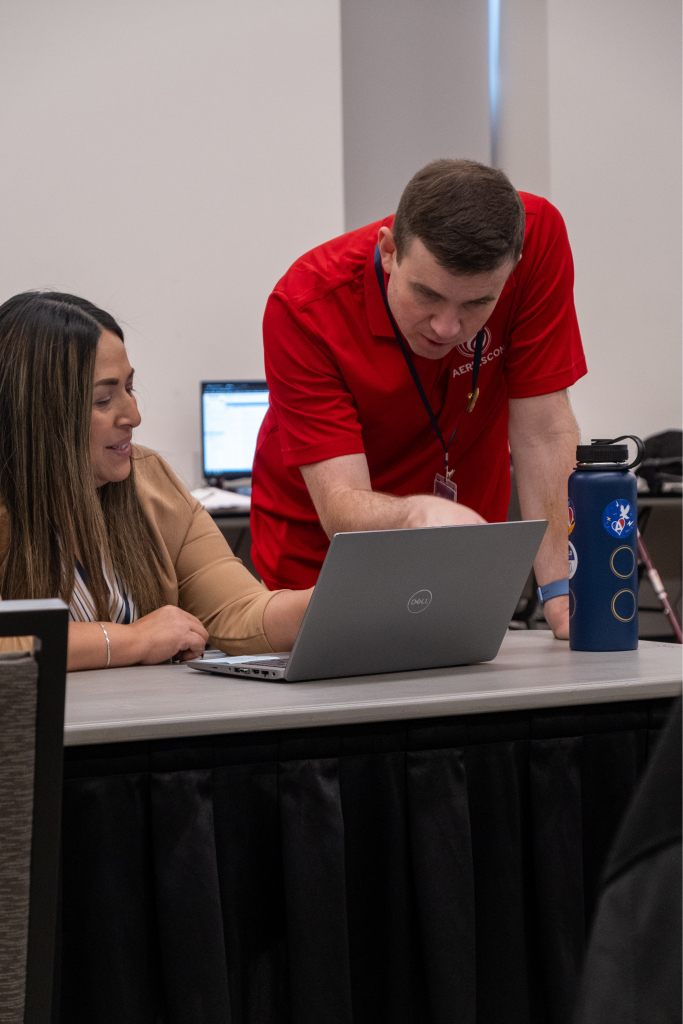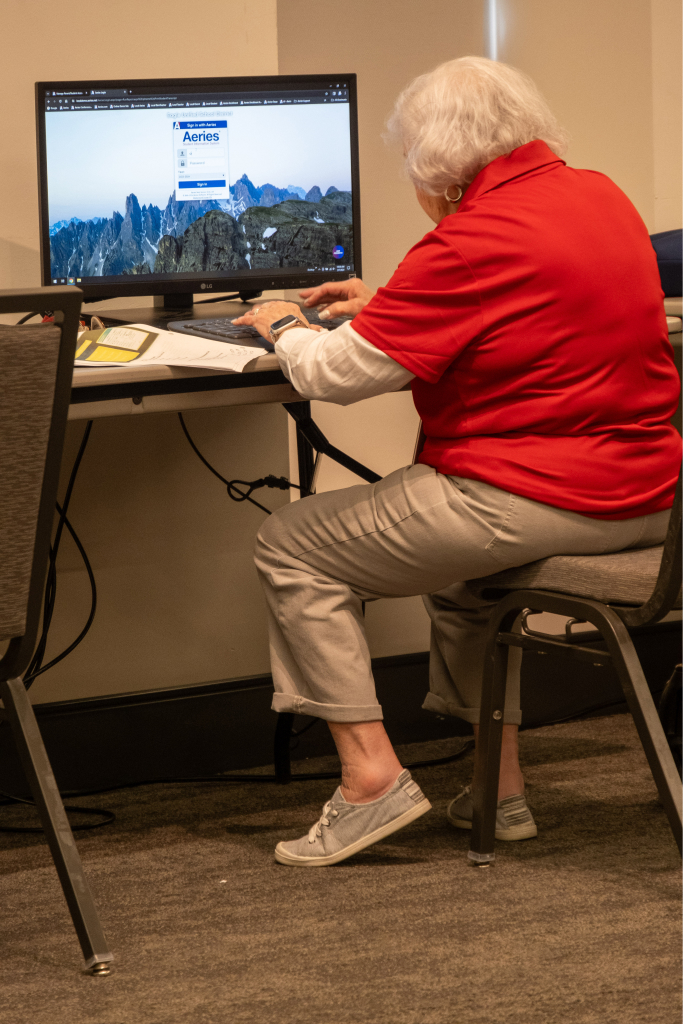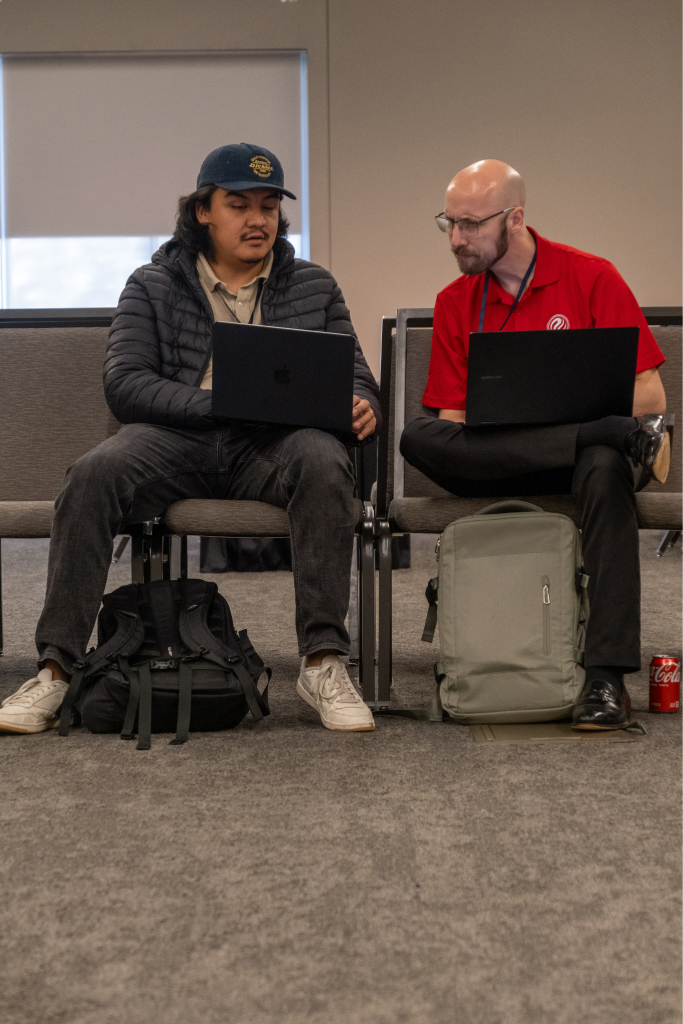

The Eagle Software Users' Conference is an opportunity for clients to enhance their existing foundation of knowledge and share their experiences to better meet the needs of their schools. Topics are presented using a lecture format with a single computer and a projection unit. The conference workshops are NOT designed to replace training for new clients and hands-on environment is limited to an open forum question and answer area.
1400 J Street
Sacramento, CA 95814
Registration packets can be downloaded by clicking here. Registration packets will be mailed in mid-May. Registration packets are sent to districts as well as individual school sites. If you have any questions, please contact your district coordinator and/or Lucille Stephenson at Eagle Software at (888) 487-7555. Some workshop topics will only be offered on one day of the conference. Please check workshop selection sheet for offerings.
| Early Bird (on or before 08/29/2013) |
Regular (on or before 09/19/2013) |
Late * (after 09/19/2013) |
|
| One Day | $275.00 | $325.00 | $375.00 |
| Two Days | $425.00 | $475.00 | $525.00 |
* Registrations will not be accepted after September 26, 2013 or when conference capacity has been reached (first come, first served). Late registration fee WILL apply after September 19, 2013
Cancellations will not be accepted or refunds given after September 30, 2013
Cancellations MUST be received in writing
Transfers of registration will not be accepted after September 30, 2013
Confirmation will be sent to the mailing address provided on the registration form prior to the conference. Your registration is not complete until you have received a confirmation! If you have not received your confirmation by September 27, please verify first with your district that the registration was sent before contacting Lucille Stephenson at (888) 487-7555.
Eagle Software is not responsible for room reservations and/or accommodations. We will be securing a block of rooms at a reasonable rate, but have no connection with the hotel for securing reservations. You must mention Eagle Software and make your reservation by 9/13/2013 and before capacity has been reached to receive the group rate. If you require any special accommodation, please notify the hotel when you make your reservation.
1230 J St Sacramento, CA 95814
(916) 447-1700
| Number | Title | Description |
|---|---|---|
| 100 | Aeries Analytics Data Analysis | Demonstration of the data analysis side of Aeries Analytics, the new Assessment System offered by Eagle Software. Topics include: Dashboard Configuration, Analysis Definitions, Data Drill-Downs and "At-Risk" Student Identification. |
| 110 | Aeries Analytics -- Practical Application of Data | This practical analysis workshop will demonstrate how to use Aeries data, Aeries Analytics data, reports and query functions to assist teachers and administrators to track and improve student achievement. This session will go beyond "how to print reports" to answer the question "What is the data telling us?" |
| 120 | Aeries Analytics Test Creation, Scanning, and Scoring | Demonstration of the testing side of Aeries Analytics, the new Assessment System offered by Eagle Software. Topics include: test creation, test import, scanning, reporting and Standards Integration. |
| 130 | EADMS Assessment System (NEW) | Aeries and EADMS integrate for a Fully-Featured, Integrated SIS and Assessment Solution. See how EADMS staff has utilized their experience over the last 2 decades to build and support the most feature-rich Assessment System on the market. |
| Number | Title | Description |
|---|---|---|
| 150 | Intro to the Teacher, Student & Parent Portals | An overview of the features in the Aeries.net Teacher, Student and Parent portals. Highlights the differences between the Aeries.net Portals and ABI. |
| 160 | Gradebook for Elementary Schools | A review of the features of the Aeries.net Teacher Portal Gradebook. Topics include: common procedures, reports, data entry, and grade reporting integration to Standards Based Grade Reporting at the elementary level. |
| 165 | Gradebook for Secondary Schools | A review of the features of the Aeries.net Teacher Portal Gradebook. Topics include: common procedures, reports, data entry, and grade reporting integration at the secondary level. |
| 170 | Parent and Student Account Management | A detailed discussion of the features, benefits and requirements of using the Parent Account Management System to implement parent and student accounts in the Aeries Student and Parent portal. |
| 910 | Aeries.net System Administration & Network Security | This class will go over common administrative tasks when implementing and managing Aeries.net, the teacher portal, and the student/parent portal. Topics include: security, firewalls, encryption, account maintenance, and other technologies; specifically addressing external access configurations. |
| Number | Title | Description |
|---|---|---|
| 200 | Aeries AIR – Online Enrollment/Registration | The Aeries Automated Internet Registration System allows for parents of new students to the district to enter registration information online. This session covers system setup and usage by administrators and parents. |
| 210 | Aeries ASP – Cloud Hosted Environment (MONDAY ONLY) | An overview of the Aeries ASP offerings detailing available services and features in the Cloud environment. Also includes a discussion on the advantages of using the ASP Hosted Solution and what to expect after moving to this environment. |
| 220 | Aeries EMT – Emergency Management Tool | Aeries Mobile has a new name: Aeries EMT. A review of the features of Aeries EMT, the system that allows cached access to school data via iOS and Android devices. Principals, truancy officers, emergency personnel or others can use Aeries EMT for secure, read-only access to student data on or off site whenever the need arises. |
| Number | Title | Description |
|---|---|---|
| 250 | Beginning Query | Procedures for creating your own reports using basic Aeries Query statements; single table queries, selection of data fields, sorting data fields, and constructing simple and multiple conditions; applies to both Aeries and Aeries.net. |
| 255 | Intermediate Query – Elementary Schools | The "TOTAL", "KEEP", "SKIP" commands; printing labels, letters, saving and loading query statements, using "AND" or "OR", and multiple table queries at the elementary level; applies to both Aeries and Aeries.net. |
| 260 | Intermediate Query – Secondary Schools | The "TOTAL", "KEEP", "SKIP" commands; printing labels, letters, saving and loading query statements, using "AND" or "OR", and multiple table queries at the secondary level; applies to both Aeries and Aeries.net. |
| 265 | Advanced Query – Elementary Schools | Multiple table queries, the "CHANGE" button, the "CHANGE" command; advanced applications of query for elementary school personnel; applies to both Aeries and Aeries.net. |
| 260 | Advanced Query – Secondary Schools | Multiple table queries, the "CHANGE" button, the "CHANGE" command; advanced applications of query for secondary school personnel; applies to both Aeries and Aeries.net. |
| 275 | Enhanced Features using Aeries and Access Query | For experienced users of Aeries Query, this class will teach you to apply advanced filters, hide columns, change fonts, apply other tricks to a query statement and export data to Excel for further analysis. Note: not intended for Aeries.net users. |
| Number | Title | Description |
|---|---|---|
| 300 | Class Schedule Maintenance | Features of the "Classes" form used during the school year, and the impact to Course Attendance and Teacher Portal will be discussed. Included in the discussion will be student schedule changes, scheduling new students, and mass moving students to new classes. |
| 310 | Student Scheduling | Procedures for basic scheduling for secondary schools. |
| 320 | Master Schedule Building | A discussion of the theory of building a better master schedule will include the sequence of steps used to place sections in the master schedule; analyzing your master schedule to determine how good it might be when students are scheduled. |
| 330 | Scheduling Master Schedule Board | Features of the Scheduling Master Schedule Board will be discussed. This will include moving sections to try "What if?" scenarios, scheduling students, looking at courses with rejected students, and using the Interactive SMS Builder to build the Scheduling Master Schedule. |
| 340 | Student Scheduling – Complex Schedules | This workshop will focus on defining sections in the Scheduling Master Schedule to link sections to create teams, houses, academies, etc. A-day B-day scheduling, rotating schedules and various block scheduling scenarios will be discussed. Attendees should have a basic understanding of scheduling using Aeries. |
| Number | Title | Description |
|---|---|---|
| 350 | Attendance Setup and Procedures | Forms used in the setup of Daily and Period Attendance, timelines and procedures for the collection and data entry of attendance using the attendance cycle. |
| 360 | Daily Attendance Reporting in Aeries Client | The use and application of Daily Attendance, including reports used daily, attendance letters to parents and end of month reports. |
| 361 | Daily Attendance Reporting in Aeries.net | The use and application of Daily Attendance in Aeries.net, including reports used daily, attendance letters to parents and end of month reports. |
| 370 | Period Attendance Reporting in Aeries Client | The use and application of Period Attendance, including reports used daily, attendance letters to parents and end of month reports. |
| 371 | Period Attendance Reporting in Aeries.net | The use and application of Period Attendance in Aeries.net, including reports used daily, attendance letters to parents and end of month reports. |
| 380 | Supplemental Attendance | A discussion of this Aeries feature that will include how the system is used and configured. This is a system to track positive attendance for supplemental programs such as After School or Tutoring without impacting regular day attendance. |
| Number | Title | Description |
|---|---|---|
| 400 | Standards Based Grade Reporting for Elementary Schools | A review of basic Standards Based Grade Reporting features; procedures on how to set up a report card. |
| 410 | Grade Reporting for Secondary Schools | Explanation of timelines and procedures of the grade reporting cycle; available grade reporting options, scanning and printing of grade reporting, generating report cards and other reports. |
| 430 | Transcripts and Course History | Topics that will be discussed include transcript definitions, colleges, graduation requirements, courses, the transcript form, transcript printing, graduation status checks, college entrance testing, and UC/CSU entrance requirements. |
| Number | Title | Description |
|---|---|---|
| 450 | Attendance for Alternative Schools | Discussion is for all attendance topics and reports for Continuation, Community Day, Charter Schools, County Office of Education, etc. |
| 460 | Continuation School Applications | Procedures for database management, reports, and grade reporting variations in a continuation school. Includes a discussion on ASAM reporting. |
| 470 | Independent Study | Management of long-term and short-term independent study in Aeries. |
| 480 | COE Roundtable Discussion | County Office of Ed roundtable discussion with a moderator. |
| Number | Title | Description |
|---|---|---|
| 500 | Fundamentals in Aeries Client | Intended for the novice user of Aeries, this workshop will teach basic navigational skills used in Aeries. The use of View All Forms, View All Reports, function codes, and printing reports will be included. |
| 520 | Tips & Tricks in Aeries Client | A look at some well-known and some not-so-well-known features and applications available in Aeries. |
| 540 | Did You Know...? | Have you ever said, "I want someone to teach me what I don’t know about Aeries"? If so, this workshop may be for you. It will include a quick look at many of the forms and reports that may have been around for a while, but either you missed the revision notes or the feature didn’t apply to you at the time. |
| 560 | What's New in Aeries Client? | A look at the changes made to Aeries in the previous year and how to apply these changes to your site. |
| 560 | Assertive Discipline in Aeries Client | Procedures for using the assertive discipline screen, discipline reports, Safe Schools Act date, setting up the suspendable offense codes, and generating suspension and expulsion letters. |
| 600 | Counseling Applications for Secondary Schools in Aeries Client | Procedures for high school counselors using forms and reports (transcript, graduation status, college & counseling forms). |
| 620 | Custom Report Builder in Aeries Client | An overview of the Custom Report Builder feature in Aeries. Examples include basic and advanced ways of using this versatile tool to display various types of student related information like test scores, programs, and other student-related data. |
| 640 | Elementary School Applications | Procedures for the roll-over of current students, enrolling new students for next year, assigning students to teachers; additional applications for elementary schools will be discussed; applies to both Aeries and Aeries.net. |
| 650 | Interfacing with MS Office | Procedures for importing/exporting data between Aeries/Aeries.net and other software packages, such as word processing and spreadsheet programs; creating merge documents, certificates, charts and graphs; add/import data, pivot tables in Excel. |
| 660 | Language Assessment | Procedures for maintaining Language Assessment related data, CELDT Testing, and the R-30 report in Aeries and Aeries.net. |
| 670 | Medical | The use and application of forms and reports for medical log, medication, immunization, hearing, etc. in Aeries and Aeries.net. |
| 680 | Special Education | PProcedures for maintaining Special Education related data, creation of the CASEMIS extract, and importing data from a third party data file in CASEMIS file format for informational and Pre ID purposes; includes Aeries and Aeries.net systems. |
| Number | Title | Description |
|---|---|---|
| 501 | Fundamentals in Aeries.net | Intended for the novice user of Aeries.net, this workshop will teach basic navigational skills used in Aeries.net. The use of View All Forms, View All Reports, function codes, and printing reports will be included. |
| 521 | Tips & Tricks in Aeries.net | A look at some well-known and some not-so-well-known features and applications available in Aeries.net. |
| 561 | What’s New in Aeries.net? | A look at the changes made to Aeries.net in the previous year and how to apply these changes to your site. |
| 581 | Assertive Discipline in Aeries.net | Procedures in Aeries.net for using the assertive discipline screen, discipline reports, Safe Schools Act date, setting up the suspendable offense codes, and generating suspension and expulsion letters. |
| 601 | Counseling Applications for Secondary Schools in Aeries.net | Procedures for high school counselors using pages and reports (transcript, graduation status, college counseling screens). |
| 621 | Custom Report Builder in Aeries.net | An overview of the Custom Report Builder feature in Aeries.net. Examples include basic and advanced ways of using this versatile tool to display various types of student related information like test scores, programs, and other student-related data. |
| 640 | Elementary School Applications | Procedures for the roll-over of current students, enrolling new students for next year, assigning students to teachers; additional applications for elementary schools will be discussed; applies to both Aeries and Aeries.net. |
| 650 | Interfacing with MS Office | Procedures for importing/exporting data between Aeries/Aeries.net and other software packages, such as word processing and spreadsheet programs; creating merge documents, certificates, charts and graphs; add/import data, pivot tables in Excel. |
| 660 | Language Assessment | Procedures for maintaining Language Assessment related data, CELDT Testing, and the R-30 report in Aeries and Aeries.net. |
| 670 | Medical | The use and application of forms and reports for medical log, medication, immunization, hearing, etc. in Aeries and Aeries.net. |
| 680 | Special Education | Procedures for maintaining Special Education related data, creation of the CASEMIS extract, and importing data from a third party data file in CASEMIS file format for informational and Pre ID purposes; includes Aeries and Aeries.net systems. |
| Number | Title | Description |
|---|---|---|
| 700 | CALPADS in Aeries Basics | An overview of the data population requirements introduced by CALPADS and how to maintain required data in Aeries. |
| 710 | CALPADS in Aeries Advanced | An advanced look at CALPADS providing more specific details and discussions of complex situations and data population requirements, a focus on CALPADS and CDE expectations for data, and Advanced Q & A. |
| 720 | CALPADS Data Submission | Submission of data to CALPADS including using Aeries to create files, options available when creating files, and interpreting errors and warnings generated by CALPADS when the files are submitted. |
| 740 | Enrollment Data Management | A discussion detailing the various areas where enrollment needs to be managed in Aeries, including: start of school year, exit reasons, graduates, no shows, summer withdrawals, and pivot table discussion. |
| 760 | Physical Fitness Testing | This class will go over the setup, testing and reporting of the California Physical Fitness Test. Includes discussion on selecting which test(s) to allow in each category, recording scores via the Teacher Portal or Aeries Client, reporting of the scores to the State and loading results from the testing vendor. |
| 780 | State Pre-ID and Load Test Data | Procedures for the creation of Pre-ID files and loading state standard test data (STAR, CAHSEE, CELDT, etc.) |
| Number | Title | Description |
|---|---|---|
| 900 | Network Professionals Forum | Questions, answers, and information sharing for Aeries managers in a discussion format with a moderator. |
| 910 | Aeries.net System Administration & Network Security | This class will go over common administrative tasks when implementing and managing Aeries.net, the teacher portal, and the student/parent portal. Topics include: security, firewalls, encryption, account maintenance, and other technologies; specifically addressing external access configurations. |
| 920 | Aeries Client Server System Administration | Overview of functions available to database administrators (DBA) in AeriesCS; emphasis on the AdminCS Toolbox module usage and functionality. Topics include: Aeries SQL databases maintenance, school code limitations, defining school based codes, creating a master cache, reviewing additional forms and reports relocated from District Aeries. |
| 930 | SQL Server Administration | A summary and quick how-to of the various administrative features provided by MS SQL Server and other vendors. Topics include: SQL Management Studio, security, Data Transformation Services (DTS), SSIS and 3rd party transaction tracking software. Additional topics will include creation of new databases, importing/exporting of data from miscellaneous sources, backups, maintenance, and error checking, as well as query creation and scripting. |
| 940 | SQL Query Client Server Specific | Create and use SELECT, UPDATE, INSERT, and DELETE queries. Will also discuss GROUP BY clause, ORDER BY clause, dual-table queries and other special SQL demands. |
| 950 | SQL Query – Advanced Topics | For Database Administrators (DBA). Topic include multi-table queries, methods for exporting data, SELECT INTO, and tips for finding duplicates / orphaned records. |
| 960 | Importing and Mass Adding Data into Aeries | Using the "Import or Add Data" form to import data into Aeries from either an Excel spreadsheet or an Access Database; i.e. pull data from a table, import data from an external database or mass add information into records in a table. |
| 970 | Customizing Aeries Client Forms, Reports & Modules | Procedures for modifying Aeries Client forms, reports, and modules to suit participant needs, keeping the custom programs "safe", and keeping users and our staff aware of those custom programs; Programming knowledge required. |
| 980 | Customizing Aeries Supplemental/User Defined Tables | Applies to Aeries Client and Aeries.net. Procedures for designing/modifying the user defined supplemental table (SUP) and creating other user defined tables to help meet the needs of the school and/or district; DBA knowledge recommended. |