










Aeries Enroll Path
Flexible for districts. Easy for families. Built to reduce enrollment workload.
Aeries Enroll Path gives districts the flexibility to design their own enrollment process, while making it easier for families to complete and easier for staff to manage.
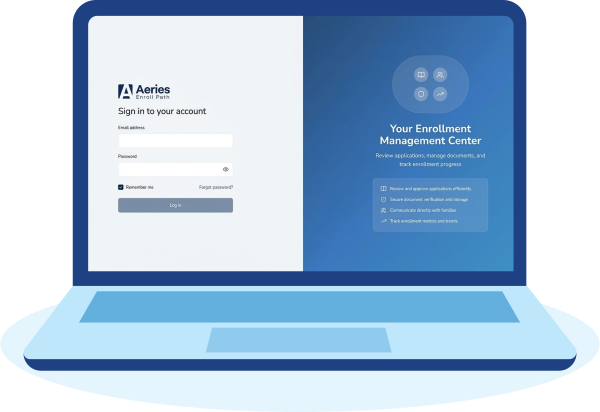

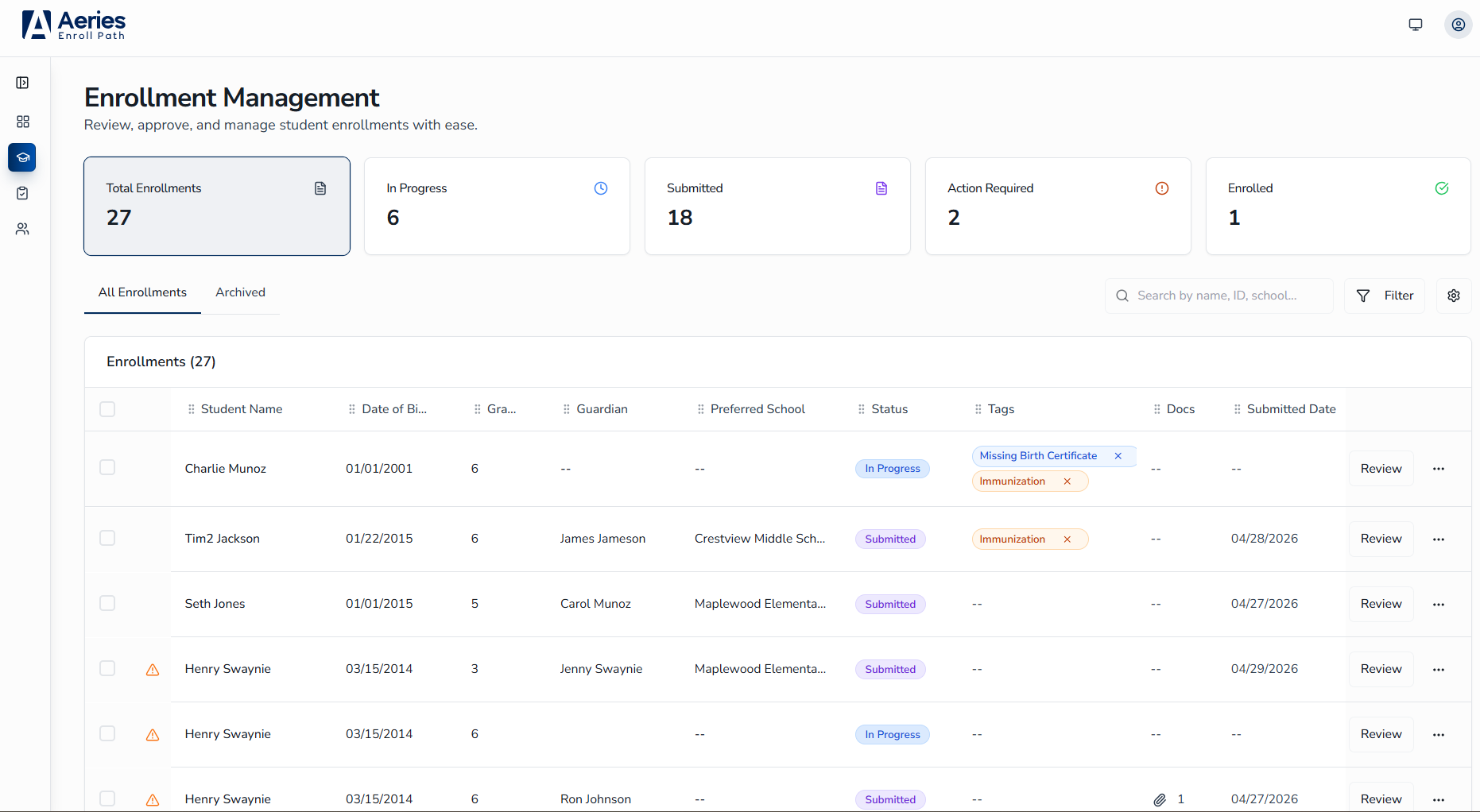
Real-time admin dashboard
See every application as it arrives. Filter by school, grade, or status. Return submissions to families for completion, corrections, or additional information.

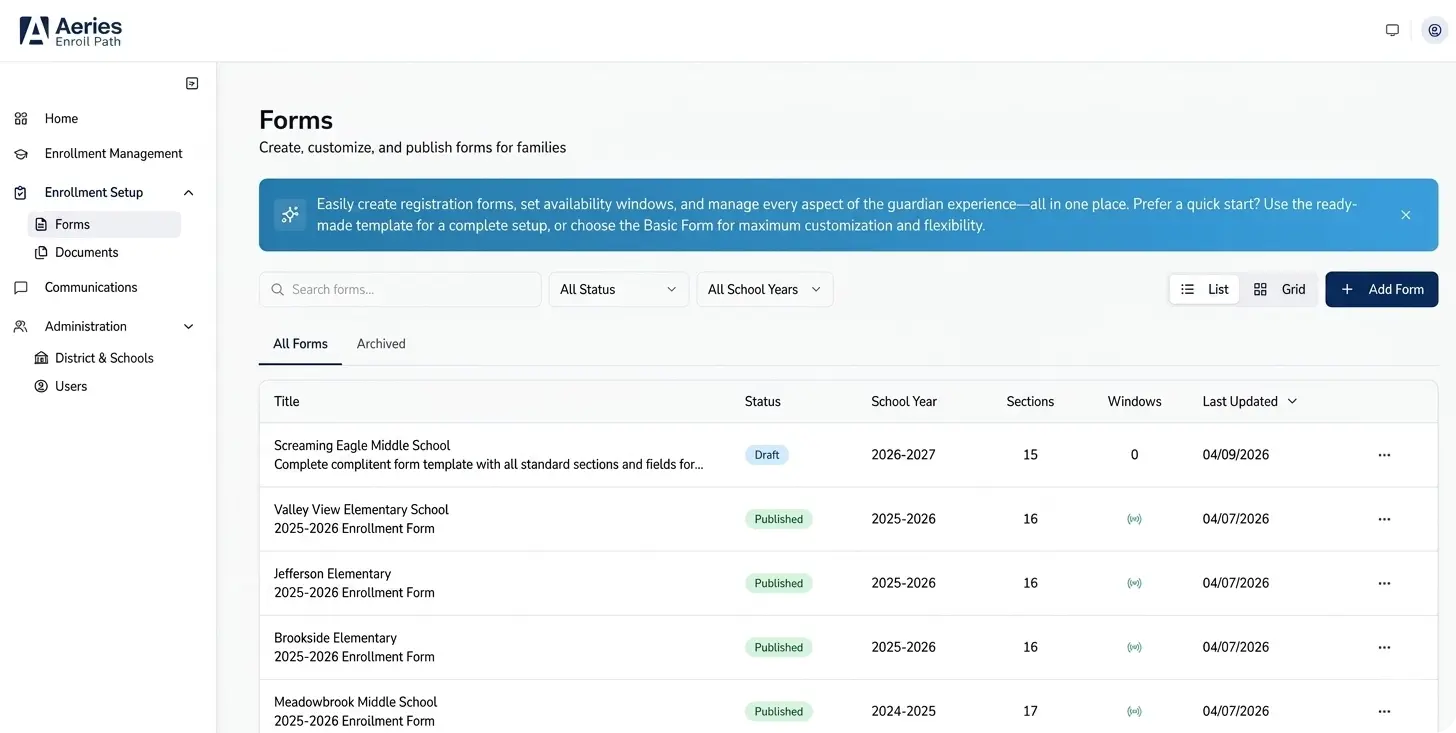
Customizable Forms
Conditional logic questions and enrollment windows by school, grade, and program. Interactive preview to test forms before publishing.
Modern parent experience
Guided, step-by-step enrollment, auto-populated fields, digital signatures, and document upload on any device, in multiple languages.

Role-based access & audit log
Enrollment role for registrars and Admin role for System Administrators, and visibility into enrollment change history.
Every August, the same problems.
Legacy enrollment tools weren’t built for how districts and families work today. Enroll Path fixes that, inside the Aeries environment you already rely on.
Today
Designed primarily for desktop use
Single enrollment window per configuration
Single enrollment form setup per district
Income Survey not available
Limited electronic signature capability
With Aeries Enroll Path
Mobile‑first, fully responsive enrollment on any device
Multiple windows per form with date ranges, school & grade-level targeting
Multiple forms by school year, school, grade, or program
Users are able to add the Income Survey, if desired
Ability to configure electronic signatures per section
Ready to see Enroll Path in action?
Talk to your Aeries account manager or request a personalized demo. The interactive demo walks through all three flows: parent enrollment, admin dashboard, and Aeries SIS data sync.